

2011-2017 Mazda 6 & 2014-2016 Mazda 3 Camera Guide: Fixing Flickering, Black Screens & Failures
This guide diagnoses common rear backup camera and forward-facing camera problems, covering wiring failures, recalls, and replacement for your Mazda 6 or Mazda 3.
- Flickering or black screens on 2014+ models are most often caused by broken wires in the trunk lid harness, not a bad camera.
- A recall for failing cameras (6023G) exists ONLY for the 2014-2018 Mazda 3 HATCHBACK, not the sedan or the Mazda 6.
- Replacing the rear backup camera is a simple, plug-and-play DIY job that does not require calibration.
- A screen stuck in reverse view is usually a software glitch fixed by a dealer update, not a hardware failure.
Is Your Rear or Forward-Facing Camera Failing?
Before diagnosing a problem, it's essential to know which camera you're dealing with, as they have different functions, locations, and failure modes. These vehicles were available with two distinct types of video cameras.
- Rear View Backup Camera: Located on the trunk lid or liftgate, this camera activates in reverse to show what's behind you. Failure is common and usually results in a flickering, distorted, or completely black image on your infotainment screen.
- Forward-Facing Camera (FFC): Located on the upper part of the windshield, this camera 'watches' the road ahead for features like the Lane Departure Warning System (LDWS). A failure here will typically trigger a warning message on your instrument cluster.
Pro Tip: This guide does not cover the Blind Spot Monitoring (BSM) system. BSM uses radar sensors located in the rear bumper, not video cameras.
Part 1: Rear View Backup Camera (Most Common Failures)
The trunk-mounted backup camera is the most frequent source of issues for owners of the 2011-2017 Mazda 6 and 2014-2016 Mazda 3.
Known Issues by Vehicle
2014-2017 Mazda 6 & 2014-2016 Mazda 3 Sedan
For these models, the single most common cause of camera failure is not the camera itself, but the wiring harness that runs from the car's body into the trunk lid. This flexible bundle of wires is bent every time the trunk is opened and closed. Over years of use, the internal wires can fatigue and break, causing an intermittent or total loss of the video signal. Symptoms often start in cold weather and get progressively worse.
2014-2016 Mazda 3 HATCHBACK: Recall Notice
Important: In July 2023, Mazda issued a recall (NHTSA ID: 6023G) for the rearview camera on 2014-2018 Mazda 3 HATCHBACK models. The recall addresses a flickering or distorted image caused by an improperly designed wiring harness fastener that leads to premature wear on the connector pins. This recall DOES NOT apply to the Mazda 3 Sedan or any Mazda 6 models.
2011-2013 Mazda 6 (2nd Generation)
These earlier models use a different camera and part number (typically GEG1-67-RC0). While less prone to the specific trunk harness issue seen in the next generation, they can still suffer from camera failure due to age, water intrusion, or connection problems, leading to similar symptoms.
Common Symptoms of a Failing Rear Camera
- Flickering or Scrambled Image: The video feed flashes, rolls, or appears distorted. This is the most common symptom and often points to a wiring issue.
- Black or Blue Screen: When you shift into reverse, the screen goes completely black or blue, sometimes with a "Check your surroundings" message still visible.
- "No Signal" Message: The infotainment screen explicitly states it cannot receive a video signal from the camera.
- Intermittent Operation: The camera works one day but not the next, often influenced by temperature or recent use of the trunk.
- Washed-Out or Discolored Picture: The image appears overly bright, especially at night, or colors are incorrect (e.g., red tail lights look purple).
- Stuck Camera View: The screen stays on the backup camera view even after shifting out of reverse. This is often a software glitch, not a camera failure.
How to Diagnose a Faulty Rear Camera
Before buying a new part, follow these steps to pinpoint the problem.
- Clean the Lens: The simplest fix. Road grime, salt, or water spots can cause a blurry or foggy image. Clean the lens with a soft microfiber cloth. If the fogginess is inside the lens, the camera's seal has failed and it needs replacement.
- Check for Software Glitches: If the screen is frozen on the camera view, try rebooting the Mazda Connect system. Press and hold the Back + Nav + Mute buttons for about 10 seconds until the system restarts. If this problem persists, it may be caused by outdated software that a dealer can update, as noted in TSB 09-018-22b. 🎬 Watch: How to reset your Mazda infotainment screen
- Perform the "Wiggle Test" (3rd Gen Models): Put the car in reverse with the engine off (accessory mode on) and the parking brake engaged. Open the trunk and gently wiggle the rubber wiring conduit that runs between the trunk lid and the car body. If the image on the screen flickers or appears, you have confirmed the problem is a broken wire inside that harness, not the camera itself.
- Inspect the Connectors: Remove the trunk lid's inner trim panel to access the camera's electrical connector. Unplug it and check for any green or white corrosion on the pins. Cleaning the contacts with electrical contact cleaner can sometimes resolve the issue.
Rear Camera Replacement (DIY)
Replacing the rear camera is a manageable DIY task for most owners.
- Difficulty: 2 out of 5
- Time: 1-1.5 hours
- Tools: Trim removal tool, small socket set.
Procedure:
- Disconnect the negative battery terminal.
- Open the trunk and use a trim removal tool to carefully pop out the plastic clips holding the inner liner to the trunk lid.
- Locate the camera's electrical connector and unplug it.
- The camera is typically held in place by two small nuts. Remove them and the camera will come free from the trunk garnish.
- Install the new camera, reconnect the wiring, and reinstall the trunk liner.
Pro Tip: No programming or calibration is required when replacing the rear backup camera with a new or used OEM unit. It is a plug-and-play part.
Part 2: Forward-Facing Camera (LDWS)
The forward-facing camera is a more specialized component. Failures are less common and diagnosis is more complex.
Symptoms of Failure
- A "Lane Departure Warning System Malfunction" or similar ADAS-related error message on the dashboard.
- The LDWS feature cannot be activated.
Replacement and Calibration
Warning: Replacing the forward-facing camera is not a simple DIY job. After physical installation, the camera must be professionally calibrated. This procedure aligns the camera with the vehicle's geometry to ensure the safety systems function accurately. Failure to calibrate can render safety features like LDWS and automatic emergency braking inoperable or cause them to behave unpredictably.
🎬 Watch: How the front camera calibration process worksBuying a Used Video Camera: What to Look For
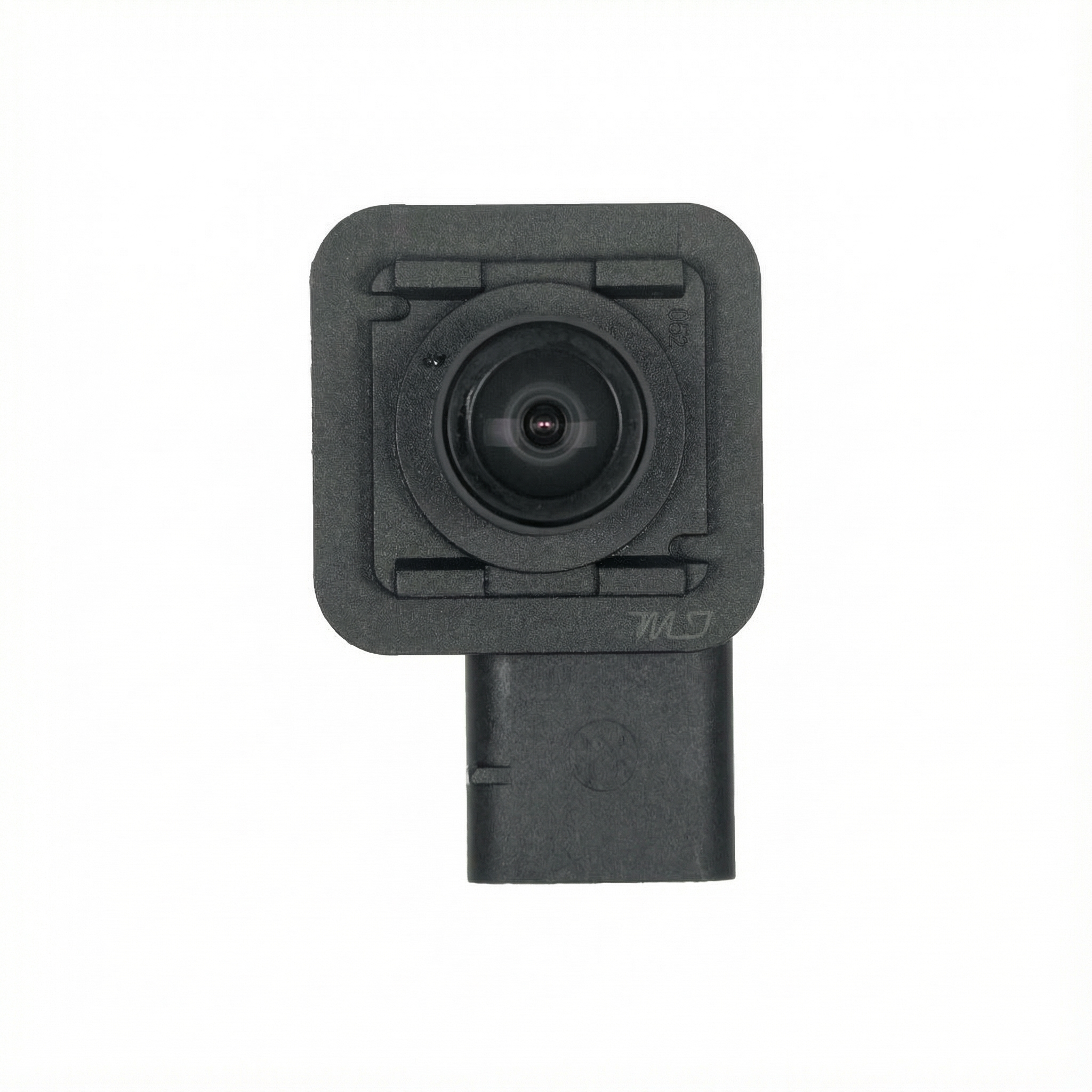
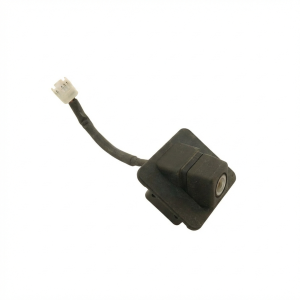
A used OEM camera can be a cost-effective solution, especially for the plug-and-play rear camera. Inspect the part carefully before purchasing.
- Verify Compatibility: Double-check that the part number matches your vehicle's year, model, and body style (Mazda 3 Sedan vs. Hatchback). The cameras are not interchangeable.
- Lens Condition: Inspect the lens for deep scratches, cracks, or any haziness or moisture *inside* the lens. Internal fogging indicates a failed seal and the camera should be rejected.
- Connector and Pins: Look closely at the electrical connector. The pins should be straight, clean, and free of corrosion. This is a known failure point on recalled models.
- Housing and Mounts: Check the plastic housing for cracks or broken mounting tabs that would prevent a secure installation.
Cost Comparison
Prices can vary significantly. Here are typical cost estimates to help you make an informed decision.
| Part/Service | Estimated Cost | Notes |
|---|---|---|
| New OEM Rear Camera | $425 - $655 | Part only. Price varies by model year. |
| New Aftermarket Rear Camera | $50 - $150 | Kits are widely available. Quality and fit may vary. |
| Used OEM Rear Camera | $75 - $200 | A good value, but inspect carefully before purchase. |
| Shop Labor (Rear Camera) | $60 - $90 | Typically less than one hour of labor. |
| New OEM Forward-Facing Camera | $600 - $850+ | Part only. Used prices are significantly lower. |
| Forward-Facing Camera Calibration | $250 - $500 | Required service after replacement. Cost varies by shop. |
OEM Part Numbers
This is not an exhaustive list, but contains known part numbers for cameras on these vehicles. Always verify the part number from your specific vehicle before ordering a replacement.
| Part Number | Camera Type | Likely Application |
|---|---|---|
| GEG1-67-RC0 | Rear View Camera | 2011-2013 Mazda 6 |
| GJR9-67-Y30 (and subsequent letters) | Forward-Facing Camera | 2014+ Mazda 6 / Mazda 3 |
| D09K-67-XD0 (and subsequent letters) | Forward-Facing Camera | 2014+ Mazda 6 / Mazda 3 |
| BHN1-67-RC0 / BHN1-67-RC0A | Rear View Camera | 2014-2016 Mazda 3 Sedan |
| BHN9-67-RC0A / BHY1-67-RCX | Rear View Camera | 2014-2018 Mazda 3 Hatchback |
Frequently Asked Questions (FAQ)
Is the camera on my 2015 Mazda 3 covered by a recall?
Only if you have a 5-door hatchback model. The recall for flickering cameras (NHTSA 6023G) applies specifically to the 2014-2018 Mazda 3 hatchback. The 4-door sedan is not included in this recall.
Do I need to calibrate the new backup camera after installing it?
No. For the rear backup camera, a replacement OEM part is plug-and-play and does not require any special programming or calibration. However, a forward-facing camera for the LDWS system absolutely requires professional calibration.
Why don't the parking lines on my screen move when I turn the steering wheel?
This is normal for these models. The 2011-2017 Mazda 6 and 2014-2016 Mazda 3 are equipped with static guidelines. The lines are overlaid on the video feed by the infotainment system and are not designed to move with the steering wheel.
My screen is stuck on the camera view even when I'm driving forward. Is the camera broken?
Probably not. This is a known software glitch with the Mazda Connect infotainment system. It can often be temporarily fixed by rebooting the system (holding Back + Nav + Mute). The permanent fix is a software update performed by a Mazda dealer, as detailed in TSB 09-018-22b.
Helpful Videos
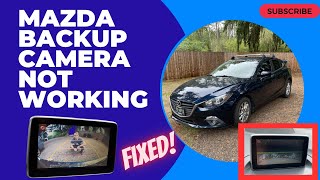

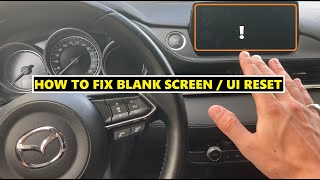

Technical Specifications
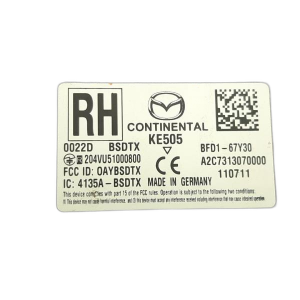
OEM Part Numbers: B62S55459 D09K67XD0 GEG1-67-RC0 GHP967XCXA GJ1T67RC0C GJR967Y30 GJR967Y30A GJR967Y30B GJR967Y30G GJR967Y30H GJT167RC0 GJT167RC0B GJT167RC0C GMN3-67-RC0 BHN1-67-RC0 BHN1-67-RC0A BHN9-67-RC0A BHY1-67-RCX
Camera types include trunk-lid mounted rear-view cameras and windshield-mounted forward-facing cameras for ADAS. Rear cameras operate on a 6V or 12V signal depending on the system. Connection is via a multi-pin connector.
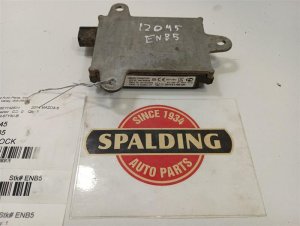
We Have This Part in Stock

The information in this article is provided for general reference and educational purposes only. Vehicle specifications, procedures, and part compatibility can vary by production date, trim level, and region. Always consult your vehicle's factory service manual and verify part numbers before purchasing or performing repairs. Safety-critical components such as airbags, seat belts, and braking systems should be installed by a qualified professional.
- Mazda 6:
- Mazda 3:
- 🎬 Helpful Videos
- 🛍️ Shop This Part
- Is Your Rear or Forward-Facing Camera Failing?
- Part 1: Rear View Backup Camera (Most Common Failures)
- Known Issues by Vehicle
- Common Symptoms of a Failing Rear Camera
- How to Diagnose a Faulty Rear Camera
- Rear Camera Replacement (DIY)
- Part 2: Forward-Facing Camera (LDWS)
- Symptoms of Failure
- Replacement and Calibration
- Buying a Used Video Camera: What to Look For
- Cost Comparison
- OEM Part Numbers
- Frequently Asked Questions (FAQ)
- 🎟️ Get 5% Off