

B2924 on 2018-2022 GMC Terrain: No-Start & Security System Fault Guide
On a 2018-2022 GMC Terrain, code B2924 almost always points to a software glitch in the Body Control Module (BCM). This can cause a no-start condition or make key fobs inoperative. The fix is typically a BCM software update performed by a dealer, not a parts replacement. This issue is often triggered by a low voltage event like a battery change or jump-start.
- Code B2924 on a 2018-2022 Terrain is a security system code that will likely prevent the vehicle from starting.
- Do not rush to replace parts. The most probable cause is a software issue in the Body Control Module (BCM), often triggered by a battery change or jump-start.
- The official fix from General Motors is a BCM software update, outlined in TSB #21-NA-277 and #23-NA-163.
- Before seeking professional help, ensure the vehicle's main 12V battery is fully charged and the key fob battery is fresh.
- This repair requires a trip to a dealer or a shop with GM-specific programming tools; it is not a DIY-friendly fix.
What's Unique About the 2018-2022 Gmc TERRAIN
For this specific generation of the GMC Terrain and its platform mates like the Chevrolet Equinox, a known software issue is the most common trigger for code B2924. Unlike other vehicles where this code might point to a bad key or antenna, GM released Technical Service Bulletin #21-NA-277 (later superseded by #23-NA-163) acknowledging that a BCM software update is often the required fix. This means owners can experience a frustrating no-start situation even when the battery, key fob, and all related hardware are perfectly fine, often immediately following a battery replacement or jump-start.
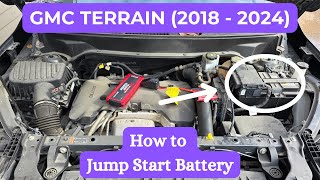
🎬 Watch: How to safely jump-start your GMC Terrain battery.Diagnostic Flowchart
Tap your situation to follow the diagnostic path that matches what you're seeing on this vehicle.
Symptoms You May Notice
- No-crank, no-start condition
- Engine starts and immediately stalls
- Key fobs are not detected or are inoperative
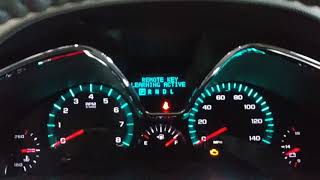
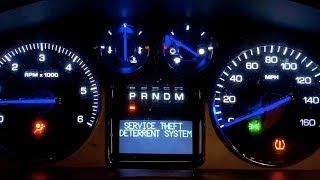
- "Service Security System" or "Service Theft Deterrent System" message on the Driver Information Center (DIC)
- A single click sound when attempting to start the engine, while all other electronics work.
- Electronic parking brake may be engaged and cannot be released.
- Replacing the key fob when only the battery was dead.
- Replacing the vehicle battery without addressing the underlying BCM software issue, leading to the problem reoccurring immediately after the battery swap.
- Replacing the BCM when only a software update was needed, which is an expensive and unnecessary repair according to GM's own bulletins.
- Replacing the starter motor when the issue is a BCM software fault preventing the starter from being commanded to engage.
Most Likely Causes
- Body Control Module (BCM) Software Anomaly 🔴 High Probability → Shop Body Control Module GM issued Technical Service Bulletins #21-NA-277 and the superseding #23-NA-163 specifically to address this software issue on these vehicles. The issue is often triggered by a low voltage event, jump start, or battery replacement, which can cause a memory corruption event in the BCM.
How to confirm: A GM dealer or a qualified shop with access to GM's GDS2 software can check for current DTC B389A with environment ID DTCs B2924, B3925, B3926, or B3927. The TSB applies to specific 'GEN3R' BCMs, which can be verified via the software.
Typical fix: Reprogramming the Body Control Module (BCM) with updated software using a special two-part VCI (Vehicle Configuration Index) process outlined by GM. This is a software-only repair.
Est. part cost: $0 - Weak or Dead Vehicle Battery 🟡 Medium Probability → Shop Vehicle Battery Modern vehicles are packed with electronics that are sensitive to low voltage. A weak battery can cause communication errors between modules, leading to false diagnostic codes. More importantly, a low voltage event is the primary trigger for the BCM software glitch described in the TSBs.
How to confirm: Test the battery voltage with a multimeter. A healthy, fully charged battery should read approximately 12.6 volts with the engine off. Anything below 12.2 volts indicates a need for charging and professional load testing.
Typical fix: Recharge or replace the 12V vehicle battery. Note that replacing the battery may trigger the B2924 code if the BCM software has not been updated.
Est. part cost: $150-$300 - Defective Key Fob ⚪ Low Probability
How to confirm: First, replace the battery (typically a CR2032) in the key fob. If that doesn't work, try using a spare key fob. Some vehicles have a specific pocket in the console or cupholder to place a fob with a dead battery to start the car; try this as well. If the spare key works, the original fob is likely faulty.
Typical fix: Replace the key fob battery or the key fob itself, followed by a programming procedure.
Est. part cost: $5-$250
Rare But Worth Checking
- Faulty Body Control Module (BCM): → Shop Body Control Module While a software glitch is common, outright hardware failure of the BCM is rare but possible. The TSBs explicitly state NOT to replace the BCM unless reprogramming has failed and further diagnosis points to a hardware fault.
- Wiring Harness Issue: A damaged or corroded wire between the BCM, immobilizer antenna, or other security components could cause this code, though it is less common than the software issue.
- Loose Fuse Box Relay: Some owners of platform-mate vehicles have reported no-start conditions due to poorly seated relays in the underhood fuse block, which can interrupt power to the ECM or starter circuits. This is worth checking as a simple physical inspection.
Diagnosis Steps
- Verify the vehicle battery is fully charged (at least 12.4V) and passes a load test. A weak battery is a common trigger for this issue.
- Replace the battery in the key fob (usually a CR2032) as a low-cost first step.
- Attempt to start the vehicle with a spare key fob to rule out a faulty primary key.
- Check for simple issues like loose relays in the underhood fuse box, particularly the starter and ECM relays.
- Scan the Body Control Module (BCM) for diagnostic trouble codes. Note all codes present, especially B389A, B2924, P0513, B3925, B3926, and B3927.
- Reference TSB #21-NA-277 or the newer #23-NA-163. If the symptoms and codes match, the next step is to have a GM dealer or qualified independent shop reprogram the BCM.
- The TSB explicitly warns: 'DO NOT perform an immobilizer learn or replacement of the BCM, or other modules' before attempting the software update.
- If reprogramming the BCM does not resolve the issue, further diagnosis of the BCM hardware, immobilizer antenna, and related wiring will be necessary.
Parts You'll Likely Need
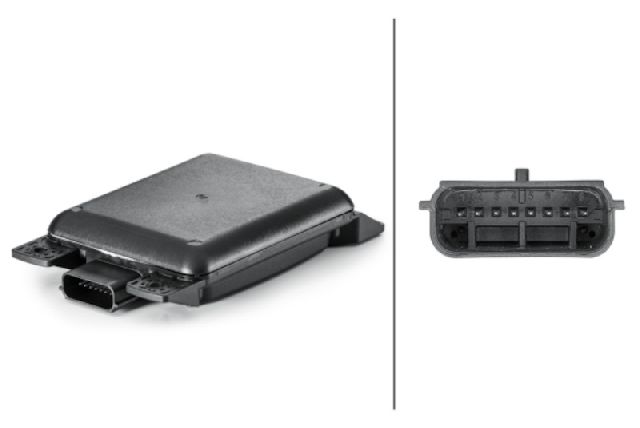
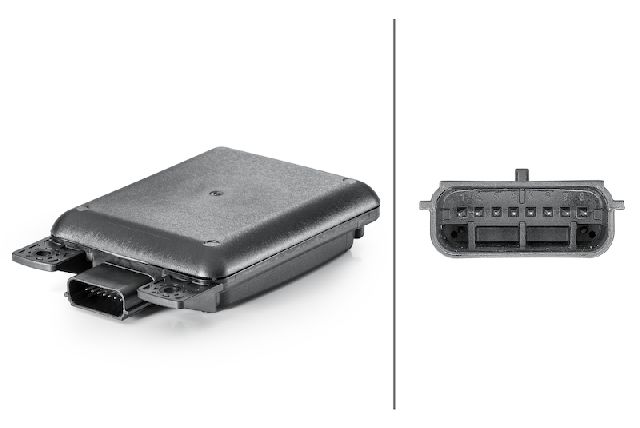
- Body Control Module (BCM) Reprogramming — This is not a physical part but a software update. It is the most common fix for this specific code on this vehicle, as per GM's own service bulletin.
OEM price range: $120-$250
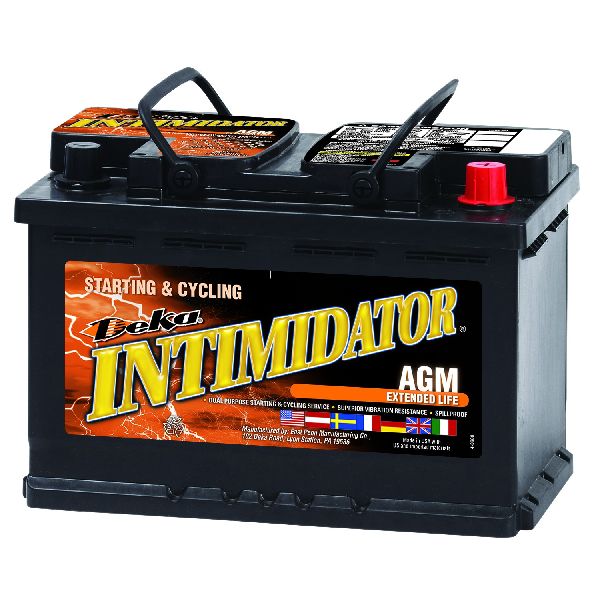
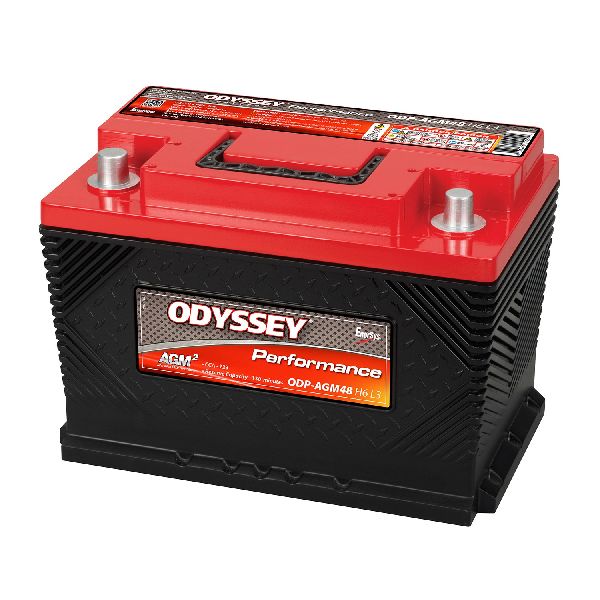
Aftermarket price range: N/A - Vehicle Battery — Low system voltage can cause a variety of electronic faults, including being the primary trigger for this specific BCM software glitch. It should always be checked first.
Trusted brands: ACDelco
OEM price range: $200-$350
Aftermarket price range: $150-$250
Related Codes That Often Appear With This One
- P0513 — This code means 'Invalid Immobilizer Key,' which is a direct consequence of the security system failing its check, as described in TSB 21-NA-277.
- B3925 — Often appears with B2924 as part of the same security system fault detailed in GM's service bulletin.
- B3926 — Another related security system code mentioned in TSB 21-NA-277 that points to the same BCM software issue.
- B3927 — Frequently logged alongside B2924, indicating a comprehensive failure in the key authentication process due to the software glitch.
- B389A 00 — TSB 23-NA-163 identifies this as a primary DTC that, when current, will have B2924 and other related codes stored as 'Environment ID DTCs'. Its presence strongly indicates the software corruption issue.
Technical Service Bulletins (TSBs) & Recalls
- 21-NA-277: Provides repair information for a No Crank, No Start, Quick Start/Stall, or Key Fobs Inoperative condition with DTCs B2924 00, B3925 00, B3926 00, B3927 00, or P0513 set. The fix is to reprogram the BCM.
- 23-NA-163: Supersedes 21-NA-277, providing more specific diagnostic criteria (looking for DTC B389A) and instructions for a special two-part BCM reset/reprogram. It confirms the cause is often a memory corruption event following a low-voltage situation.
Platform-Specific Known Issues
- A Technical Service Bulletin (TSB #21-NA-277, later superseded by #23-NA-163) was issued by General Motors for a condition where these vehicles may experience a no-crank, no-start, or key fob inoperative concern, setting DTC B2924 and related codes. The bulletin explicitly states the fix is a BCM software update.
- Owner experiences shared online corroborate the TSB's claims, with many reporting a sudden no-start after a battery change or jump-start, which was resolved by the dealer reprogramming the BCM.
- The issue is specific to 'GEN3R' BCMs, and the TSB provides a list of eligible BCM part numbers (BMPNs) such as 13518569, 13518570, 13519619, etc., that can be checked with a diagnostic tool.
Hidden / Shadow Codes Worth Checking
- E4492: Cyber Security Access Failure. This error can appear in GM's Techline Connect software when attempting to program the BCM, indicating a failure to write the new calibration, potentially due to tool or connection issues. (see via GM Techline Connect during a failed BCM programming event.)
- FE05: Security Code Input Error. This error can occur during an immobilizer relearn procedure in GM's Techline Connect, indicating a problem with the security handshake between modules. (see via GM Techline Connect during a failed immobilizer learn procedure.)
Scan Tool Commands That Help
- GDS2 (GM): BCM Soft Reset — As a potential first step for a no-crank, no-start condition after a low-voltage event. A technician reported successfully starting a 2019 Equinox by performing a soft reset on the BCM, which restored the stop lamp command signal. This may be achievable by a hard battery reset (disconnecting the negative terminal) if a scan tool is unavailable.
- GDS2 / Techline Connect: Service Programming System (SPS) — This is the main function used to perform the TSB-mandated BCM software update. The process involves connecting a J2534 device (like a GM MDI 2), logging into the GM system, and flashing the new calibration file to the module.
- GDS2 / Techline Connect: Immobilizer Learn — This function is required after BCM replacement or in some cases of programming failure to re-establish the security credentials between the BCM, ECM, and keys. The TSB for B2924 specifically warns *not* to do this before attempting the software update.
- GDS2: Add/Replace Key Fobs — Used to program new key fobs to the vehicle. This is found under the 'Remote Control Door Lock Receiver' module functions and is not the cause of the B2924 fault, but may be needed if a fob is truly defective.
Wiring & Ground Locations
- Body Control Module (BCM) — Located in the passenger compartment, typically under the driver's side of the dashboard.. This is the module that stores the B2924 code and requires reprogramming. Physical access is only needed if the module is being replaced, which is rare for this code.
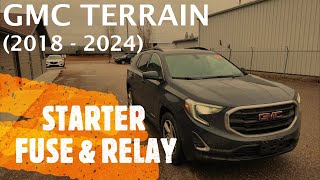
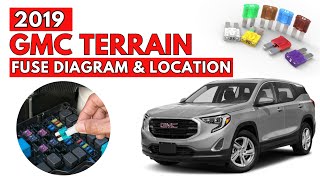
- Underhood Fuse Block — Located in the engine bay, in front of the battery on the driver's side.. Contains starter-related fuses (F1, F2) and relays (K1, K5) that should be checked as a basic step in any no-crank diagnosis.
- Instrument Panel Fuse Block — Located on the left side of the dashboard, accessible behind a storage compartment or panel.. Contains fuses for various interior electronics. While not a primary cause for B2924, checking relevant fuses (e.g., Instrument Cluster, Fuse 7) is good practice during a comprehensive electrical diagnosis.
Real Owner Repair Stories
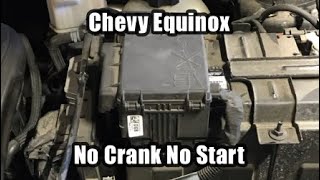
- YouTube - 'Chevy Equinox No Start No Crank (Brake To Start Message) (2018-2024)' (2019 Chevrolet Equinox (platform mate)) — No-crank, no-start condition after the battery died and was subsequently recharged. The instrument cluster displayed the 'Push Brake To Start' message, but the vehicle would not crank.
❌ Tried (didn't work) Charging the vehicle battery.
✅ What actually fixed it The technician used a scan tool to access the Body Control Module (BCM) and performed a 'soft reset'. This restored the 'stop lamp command' PID from 'inactive' to 'active' when the brake was pressed, allowing the vehicle to start normally. The technician noted that disconnecting the negative battery terminal for a period might achieve the same result. - Reddit - r/AutoMechanics (2019 Chevrolet Equinox (platform mate)) — No-start condition with erratic electronic behavior after attempting to jump-start. The battery only read 6 volts. The jump-start attempt did not work.
❌ Tried (didn't work) Charging the old battery., Attempting to jump-start the vehicle.
✅ What actually fixed it Replacing the nearly five-year-old battery with a new one resolved the issue and the car started with no problems. This highlights that while a low voltage event can trigger the B2924 software glitch, sometimes the root cause is simply a completely failed battery that cannot be jumped.
Model Year Variations Within This Range
- 2022-2025: For the 2022 model year facelift and onwards, the Body Control Module (BCM) is more accurately described as a Serial Data Gateway Module. It serves as the vehicle's network router and firewall, managing communication between all vehicle computers. While the B2924 fault's root cause (software corruption from low voltage) is similar, the module itself is a more central and complex component.
Helpful Videos


Used OEM Parts in Stock
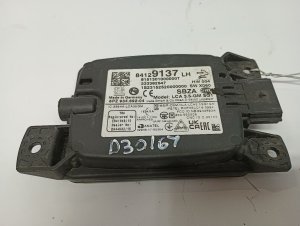
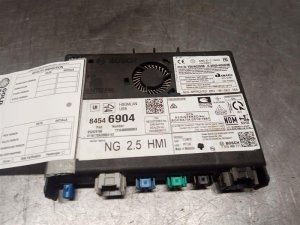
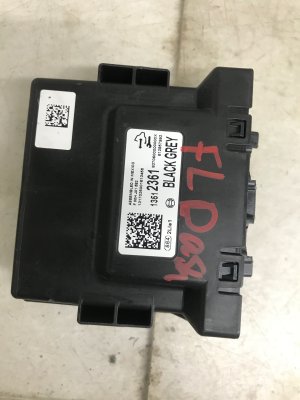
New Aftermarket Parts Available


The information in this article is provided for general reference and educational purposes only. Vehicle specifications, procedures, and part compatibility can vary by production date, trim level, and region. Always consult your vehicle's factory service manual and verify part numbers before purchasing or performing repairs. Safety-critical components such as airbags, seat belts, and braking systems should be installed by a qualified professional.
- Gmc TERRAIN:
- 🧭 Diagnostic Flowchart
- 🎬 Helpful Videos
- 🛍️ Shop This Part
- What's Unique About the 2018-2022 Gmc TERRAIN
- Symptoms You May Notice
- Most Likely Causes
- Rare But Worth Checking
- Diagnosis Steps
- Parts You'll Likely Need
- Related Codes That Often Appear With This One
- Technical Service Bulletins (TSBs) & Recalls
- Platform-Specific Known Issues
- Hidden / Shadow Codes Worth Checking
- Scan Tool Commands That Help
- Wiring & Ground Locations
- Real Owner Repair Stories
- Model Year Variations Within This Range
- 🎟️ Get 5% Off