

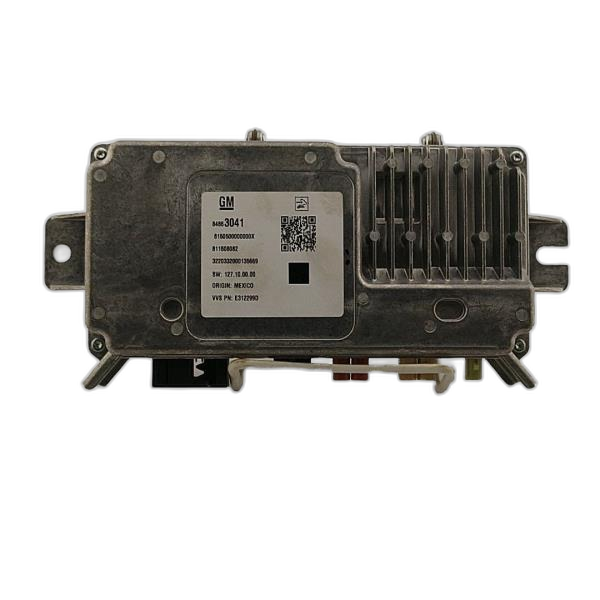
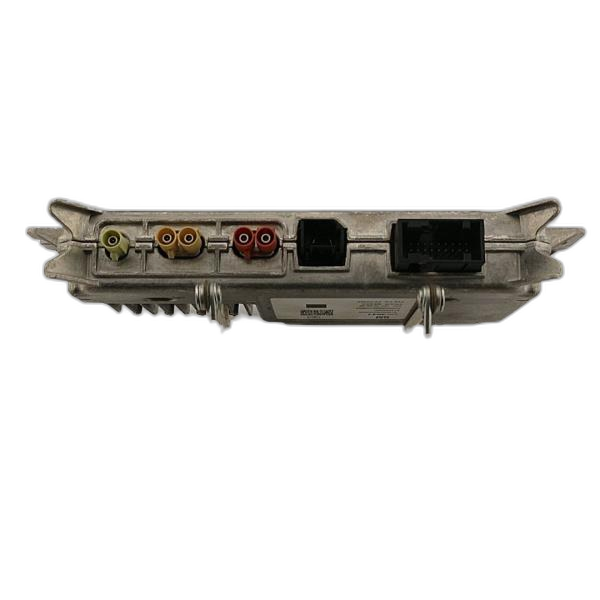
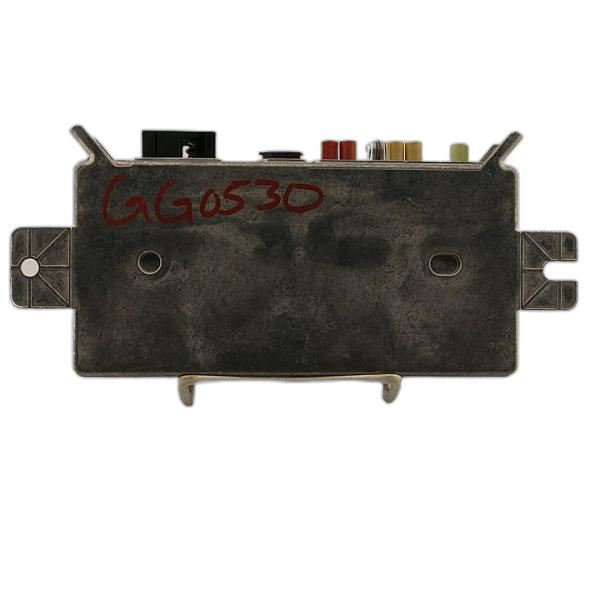

Warning Signs of a Failing Surround View Control Module
- The surround view camera system is not working at all.
- The screen shows a black or blue screen when the camera is supposed to be on.
- The image on the screen is distorted, blurry, or has lines.
- You see error messages on the dashboard related to the camera system.
- The camera system only works sometimes.
- The camera angles are incorrect or misaligned.
Testing the Surround View Control Module
If you're having problems with your surround view camera system, it's important to figure out if the control module is the problem or if it's something else. Here's how to check:
- Check the cameras: Make sure the cameras themselves are clean and not damaged. Dirt, water, or scratches can cause problems.
- Check the wiring: Look for any loose or damaged wires connected to the cameras and the control module.
- Scan for error codes: Use an OBD2 scanner to check for any error codes related to the camera system. These codes can help you pinpoint the problem.
- Test the power and ground: Make sure the control module is getting the correct power and ground. Use a multimeter to check the voltage.
- Inspect the connectors: Check the connectors on the control module for corrosion or damage.
If you've checked all these things and the problem still seems to be with the control module, it's likely the part needs to be replaced.
Common Causes of Failure
- Water damage: Water can get into the control module and cause it to short out.
- Electrical surges: A sudden surge of electricity can damage the module.
- Vibration: Constant vibration can loosen connections inside the module.
- Overheating: Extreme heat can damage the internal components.
- Corrosion: Corrosion can build up on the connectors and cause them to fail.